Your programs
Log in to your courses.
First time here? After your purchase you got an order confirmation email. Open it and use the link inside to create your account.
Already have an account? Log in here with the email you used to create your account.
Can't find the email? Check your Promotions and Spam folders. Forgot your password? Click "Forgot password" on the login page. Still stuck? Send me a message.
Free guide · by Pija
One comment word. A DM that sells.
My ManyChat automation, click by click. The comment word, the DMs, the follow check and the follow-up that send people to my freebies and my products.
The sale happens in the DM. I build each automation once, and it works on every post that uses its word, even at 3am, on weekends and while I'm putting my girls to bed.
build it once. it works on every post.Free until 31 December
Turn comments into sales.
Free until 31 December, 11:59 pm PT
It's free (for now). You'll also get my emails about content and business. Unsubscribe anytime.
What you'll build
One comment word. Five steps to the sale.
Then you duplicate it. For every new freebie or product, you copy the automation and change the word, the texts, the tags and the links.
- 1They comment your wordon any post, in a story reply or in a DMTHEM
- 2DM 1: hi, want it?a short message from you with one buttonAUTO
- 3The follow checknot following yet? a friendly ask firstOPTIONAL
- 4DM 2: here you gothe link to your freebie or productAUTO
- 5The follow-upa reminder, or your next offerAUTO
Inside the guide
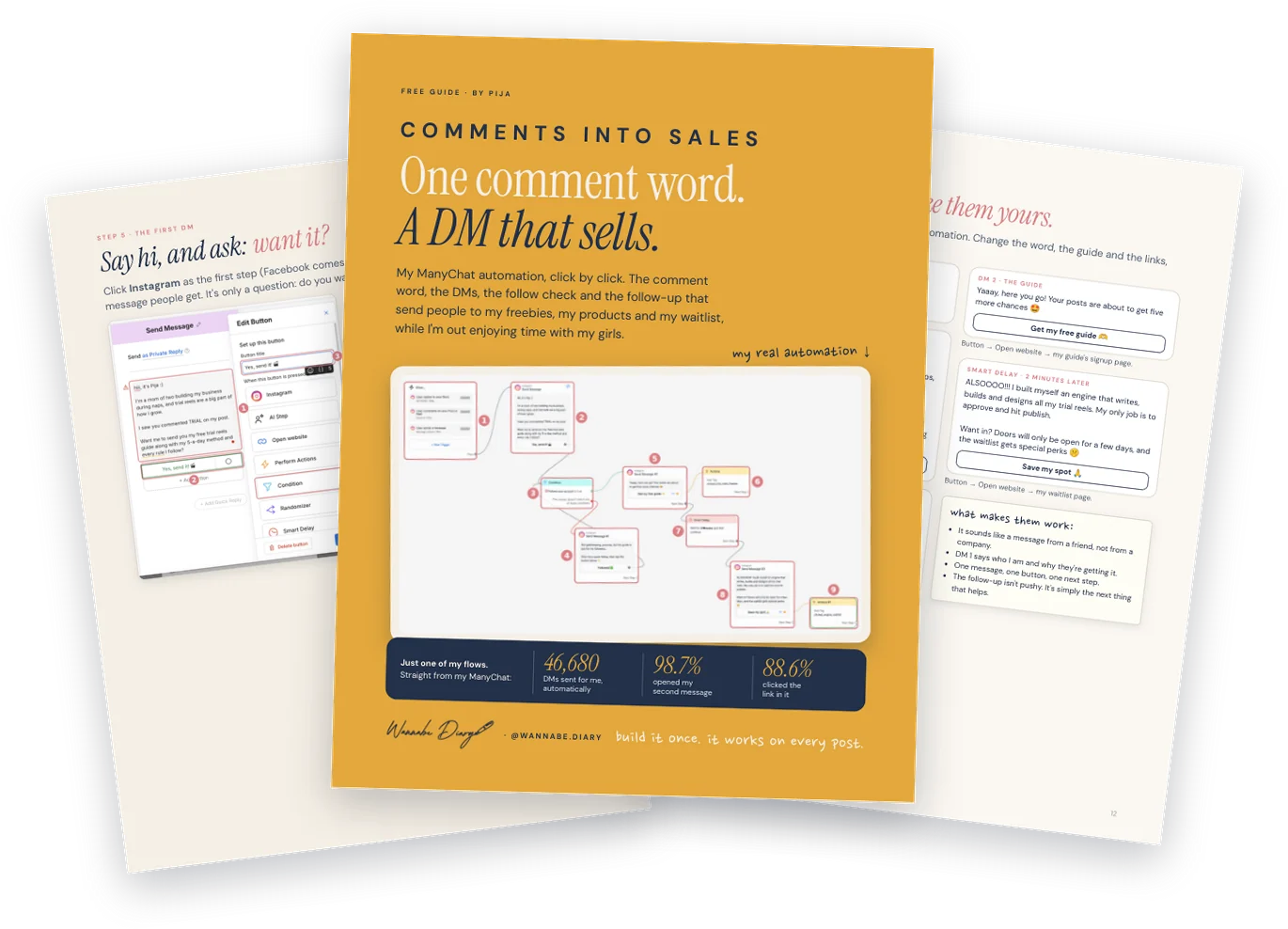
My real automation, screenshot by screenshot.
Follow the numbers on my screenshots. They match the steps next to them.
- Before you start. The account, the link, and my rules for picking the comment word.
- The triggers. Comments, story replies and DMs, all listening for one word.
- The DMs. DM 1, the follow check, DM 2 with the link, and the follow-up.
- Copy my texts. My exact public replies and DMs. Make them yours.
- For your products. The same automation, even simpler.
- Facebook too. The same word, even simpler, in two pages.
- Once it works. Your numbers, UTMs, testing two versions, tags, and saying hi to every new follower.
A sneak peek
Pick the word before you build anything.
- Short and easy to type.Typos happen, and your people are on their phone at 3am.
- Tied to the result they want.Never to something negative: CALM, not EXHAUSTED.
- Nothing to be ashamed of.Comments are public. If it's awkward, they won't write it.
- Not too common.My first word was SLEEP. Every DM with "sleep" in it set off the automation, and I missed so many real questions.
- Only one automation per word.If two automations listen for the same word, they both fire.
- Not hidden inside other words.Or it fires on comments that weren't asking for anything.
The proof
Just one of my flows. Straight from my ManyChat.
- Views on my Instagram reels and counting
- 215,312,649
- DMs sent for me, automatically
- 46,680
- Opened my second message
- 98.7%
- Clicked the link in it
- 88.6%
- Comments with a comment “word”
- 120K+
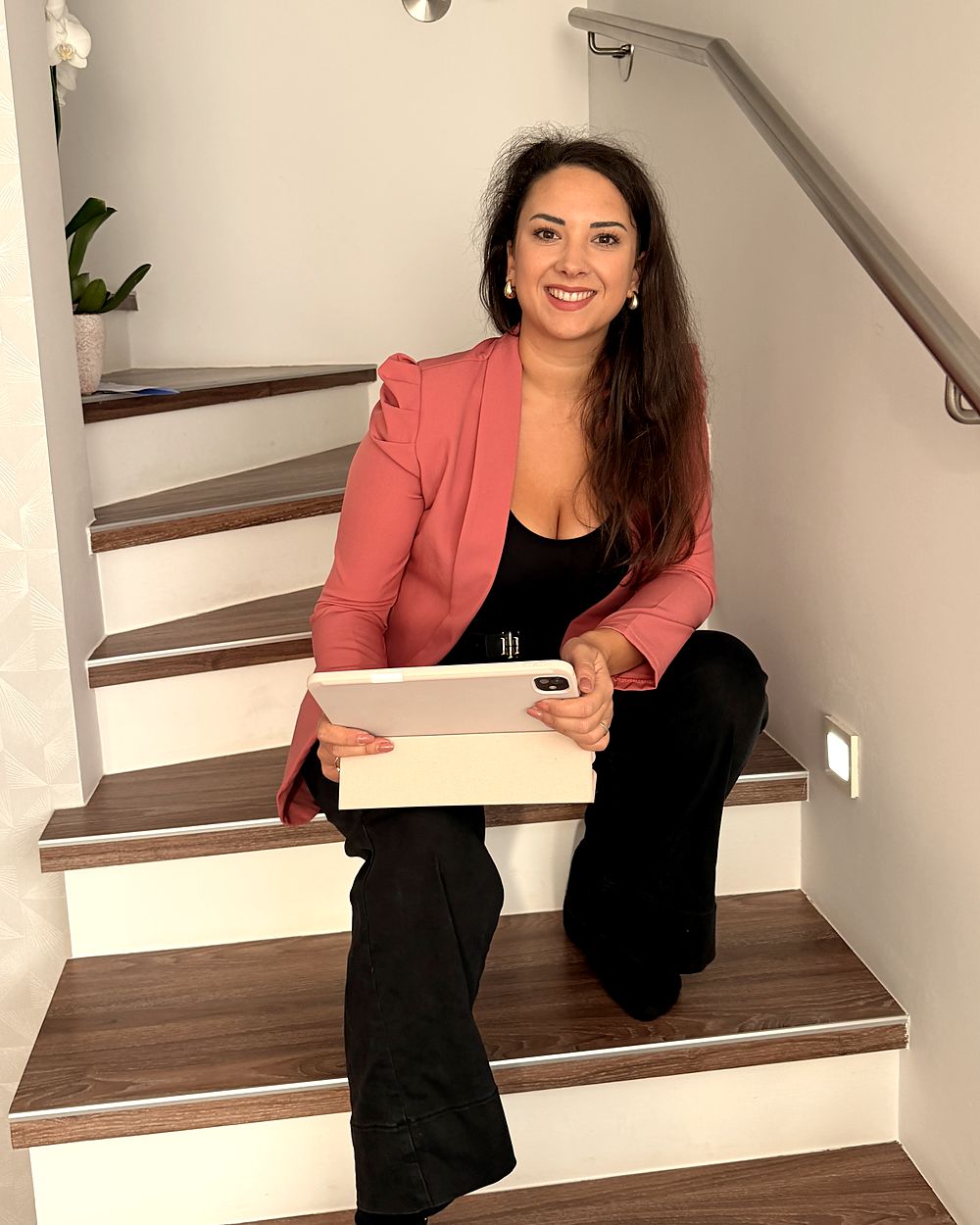
Hi, I'm Pija
I was so lost. Now it's simple.
I'm a mom of two, building my business during naps. Most of my posts end with one small ask: comment a word. That's where ManyChat takes over.
When I started, I watched so many YouTube videos, and I still didn't know where anything was. I was searching for every single button, and nothing made sense. If someone had shown me this at the start, I would have kissed them.
So this is that guide. The exact automation I built, every click, my real texts. Copy it, change the words, and your first one is ready.